

Technology & stack notes
What actually runs behind a website or app
A plain reference to the technologies commonly used in web app development and mobile app development projects, written for people reading a proposal rather than a manual.
This page explains, in neutral terms, the technologies commonly used behind modern websites and apps. It is a reference for reading proposals, not a recommendation of any particular tool. Names appear because they are widely used in projects in Singapore.
Nothing here is ranked, and no option below is described as the fastest or the best. Each section says what the technology does, where it tends to fit, and what it costs you to keep running later. That last point matters more than most proposals admit.
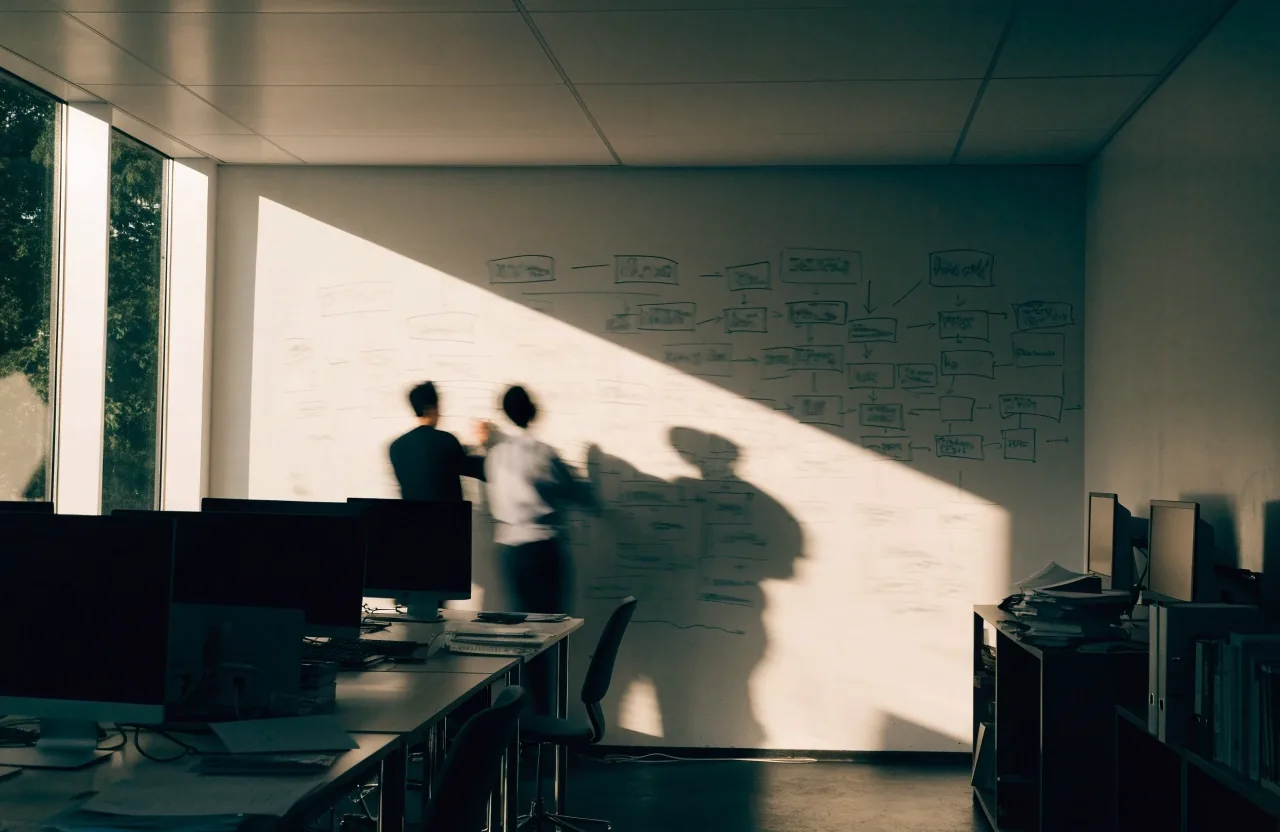
Front-end technologies
The part a visitor actually touches
The front end is what runs in the browser. HTML, CSS, and JavaScript remain the foundation, and they are still worth knowing even when a framework sits on top. Most teams now build with a framework such as React, Vue, or Angular, which helps manage complex interfaces where many parts change together.
The choice affects how quickly features can be added and how easy the code is to hand over to another team. A framework carries its own conventions, so a handover is smoother when the next developer already knows it. For a simple responsive website with a handful of pages, plain HTML with some JavaScript is often enough, and adding a framework only makes the build heavier.
One practical question to ask early: who will maintain this interface after launch, and what do they already work with? The answer usually decides the front end more than any comparison table does.
Back-end technologies
The back end handles data, logic, and access control. It decides who can see what, and it is where most of a system's rules live.
Node.js
Widely used when the team already writes JavaScript on the front end. The same language on both sides reduces the number of skill sets a project needs.
Python with Django or FastAPI
Common where the work involves data processing, reporting, or anything that leans on analysis alongside the application itself.
PHP with Laravel
Still a large share of the web, with a deep pool of developers and hosting that is easy to find and inexpensive to run.
Java and .NET
Frequent in larger organisations with existing internal systems, long support histories, and teams already trained on them.
Each of these has a large community and a long support history, so none of them is a risky bet on its own. The right pick usually depends on your team's existing skills and what your hosting environment supports, more than on any performance difference between them. A custom software development project that has to integrate with internal systems will often be steered by those systems rather than by preference.
Databases
Most systems store data in a relational database such as PostgreSQL or MySQL, which suits structured records and reporting. Tables, relationships, and queries are well understood, and reporting tools expect this shape of data.
Document databases like MongoDB are used where the data shape varies between records and changes often. For search-heavy features, a dedicated search index is sometimes added alongside the main database rather than replacing it.
The database choice is hard to change later, so it deserves attention during planning rather than as an implementation detail. Moving data after launch is possible, but it is the kind of work that competes with every other feature on the list.
Systems and integration
The least visible part of a build is usually the part most likely to move the timeline.
APIs and systems integration
Where projects quietly gain or lose weeks
APIs let separate systems exchange data. A payment provider, a CRM, or an inventory system will each expose one. Systems integration is the work of connecting them reliably, including handling failures and retries when a service is slow or unavailable.
This is often the least visible part of a project and the part most likely to affect the timeline. Two systems that both work perfectly on their own can still behave unpredictably when they are wired together, and that behaviour usually only shows up under real data.
It is worth asking early which external systems the build must talk to, who owns each of them, and whether a test environment exists. A partner who owns an API may change it on their own schedule, and that change lands on your maintenance list whether or not anyone planned for it.
Mobile frameworks
Mobile app development splits into three broad routes, and the difference shows up in cost, speed, and how the app feels in the hand.

Native development
Swift for iOS and Kotlin for Android. Each platform gets its own codebase, which gives the closest match to platform behaviour and the most direct access to device features. It also means two builds to maintain instead of one.

Cross-platform frameworks
React Native and Flutter share logic across both platforms, so one team covers iOS and Android. The trade is some distance from native behaviour, which matters most in heavy graphics or unusual device features.
Hybrid tools
Hybrid tools wrap web code in a native container. They are the quickest route to having something on both stores and suit content-led apps, but they show their limits when the interface needs to feel fully native or work with limited connectivity.
The framework matters less than the team's experience with it. A well-built app in a common framework is usually a safer bet than an exotic choice, because the next developer can pick it up and because problems have already been solved by other people.
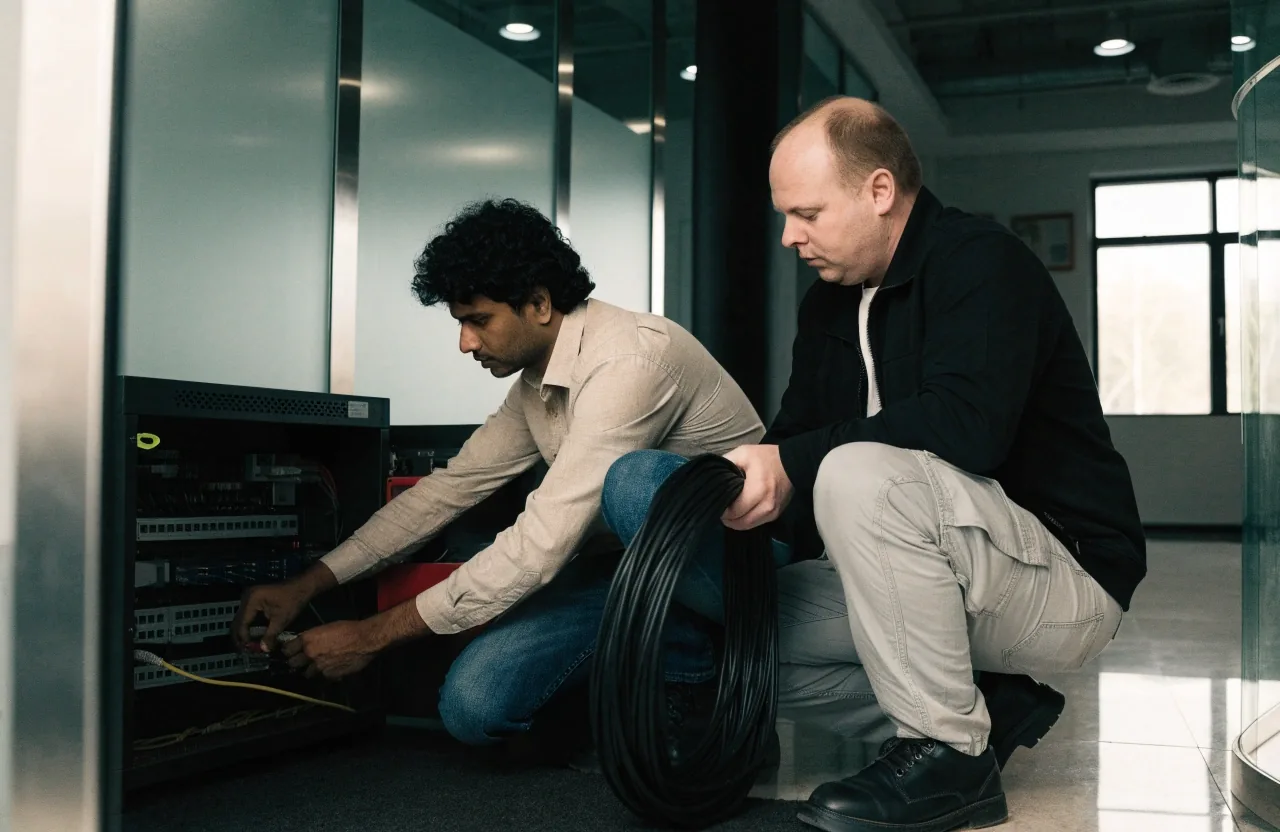
Hosting and infrastructure
Websites and apps run on servers, either physical, rented, or in a cloud platform such as AWS, Google Cloud, or Azure. Cloud hosting makes scaling and backups easier but adds configuration work, because more of the environment becomes your responsibility.
Smaller sites often use managed hosting, where the platform handles updates and the routine parts of running a server. That reduces the operational load but narrows what you can change without asking the provider.
The decision affects running costs and how much operational work your team carries after launch. A stack that is cheap to launch but needs a specialist to keep it healthy is rarely the cheaper option over a few years.
CMS platforms
A content management system lets non-technical staff edit pages. WordPress is the most widely used, with others such as Drupal and headless CMS options that store content separately from the way it is displayed.
A CMS suits content that changes often and follows a predictable structure: news, listings, service pages, a blog. Editors can work without waiting on a developer, which is usually the point.
It can become limiting when you need custom workflows, unusual permissions, or calculations the CMS was not built for. At that point a web app is often the better fit, and stretching a CMS to behave like one tends to cost more than starting in the right place.
Security basics
The routine work that keeps a build current
Standard practice includes encrypted connections, hashed passwords, access roles, and regular updates to dependencies. Reviews before launch catch common issues such as exposed keys or missing input validation.
For systems handling regulated data, additional controls and audits may apply, and those requirements usually shape the stack before any other consideration does. It is worth confirming early which rules apply to your data, because they are expensive to retrofit.
Security is a process rather than a one-time task, which is why maintenance agreements matter. A build that is reviewed once and then left alone drifts out of date as libraries age and new issues are found in them.
Every technology choice carries a maintenance cost.
Updates, security patches, and eventually an upgrade path. A build that is cheap to launch but expensive to maintain is rarely the better deal.
How the stack affects maintenance
Widely used tools have larger communities and more available developers, which makes long-term support easier. When something breaks, the answer is usually already written down somewhere, and finding someone who knows the tool is a matter of weeks rather than months.
Before approving a stack, ask how old the main dependencies are and who will handle upgrades. A dependency that has not been updated in years is not automatically a problem, but it does mean the next security fix may need to come from your own team.
It also helps to know what the upgrade path looks like. Some frameworks release major versions that require real work to move across, and that work should appear in a budget before it appears in a surprise invoice.
Ask who owns the upgrade
Name the person or team responsible for dependency updates after launch, and put it in the agreement rather than in a conversation.
Check the support horizon
Some tools publish how long a version will receive fixes. If that date is close, the first upgrade arrives sooner than the proposal suggests.
Weigh the handover
A common stack is easier to hand to another team later, which matters if you ever change who maintains the build.
Questions readers send us
These come up often when people are reading a proposal and comparing it against what they already have.
Do I need to pick a stack before talking to a development company?
No. It helps more to describe what the system must do, who will use it, and which other systems it has to connect to. A partner can then suggest options and explain the trade-offs in terms of your situation rather than in general.
Is a newer framework always the better choice?
Not by itself. A newer tool can be a good fit, but it also means fewer developers have used it and fewer problems have been solved in public. If the team maintaining the build already knows an older, well-supported option, that is often the lower-risk route.
Can the stack be changed after launch?
Parts of it can, and parts of it should not be. The interface layer is the easiest to replace over time. The database and the way records relate to each other are the hardest, which is why those decisions deserve attention before the build starts rather than during it.
How do we know the stack is a fair one to run?
Ask what each part costs to run per month and who is expected to patch it. If the answer is vague about ongoing work, ask again. Running costs and maintenance responsibilities are the two places where a proposal is easiest to compare and hardest to argue about later.
Where to read next
The stack is only one part of a proposal. The pages below cover the parts that usually sit beside it: how the work is planned, how long it tends to take, and how the companies quoting for it tend to differ.